Spot potential fraud.
A purchase you didn’t make? An alert gives you a chance to notice it.
Transaction alerts notify you about purchases and refunds. Choose email delivery on your bank’s website or mobile app to receive them in your inbox.
A purchase you didn’t make? An alert gives you a chance to notice it.
That service you stopped using may still be charging you.
An unexpected amount or possible duplicate charge is worth checking.
Waiting on a return? Get an update when your bank reports the credit.
Explore real emails from a few popular banks.
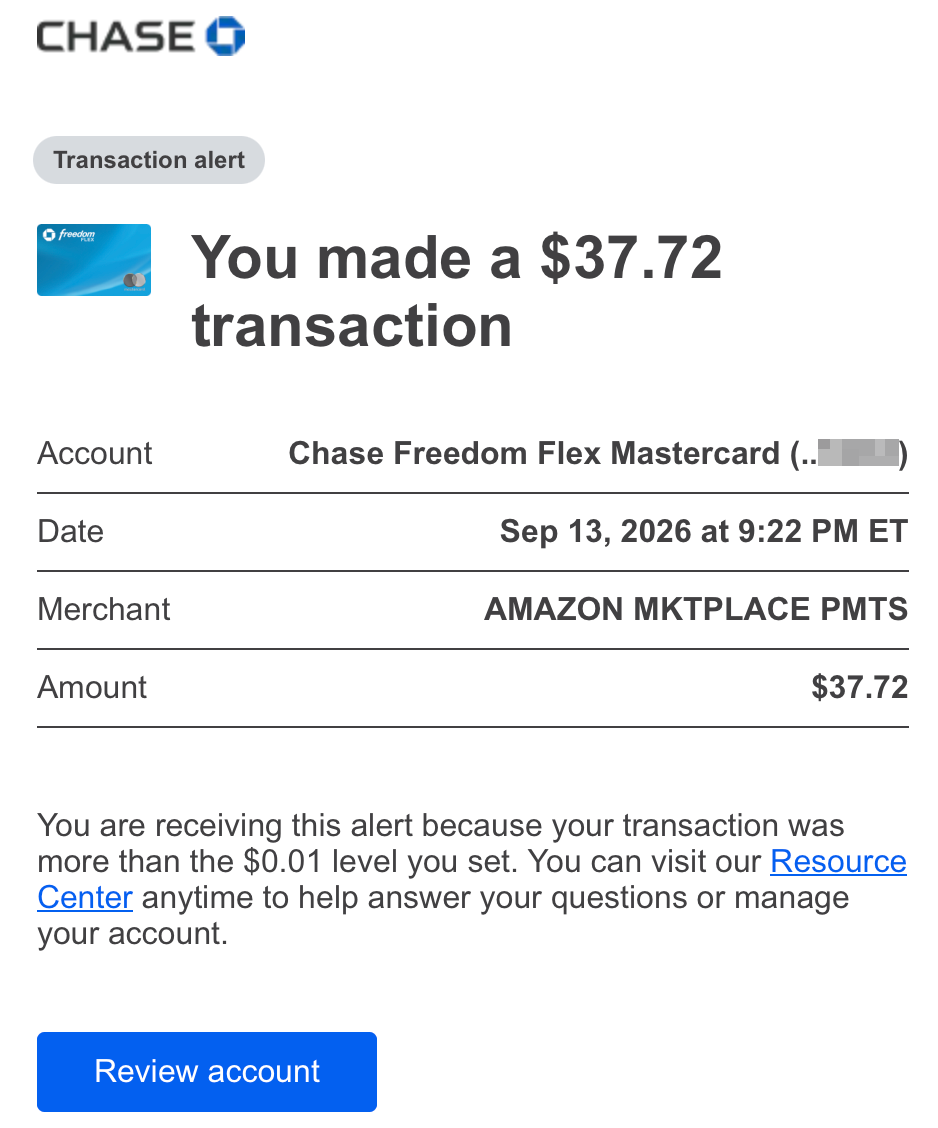
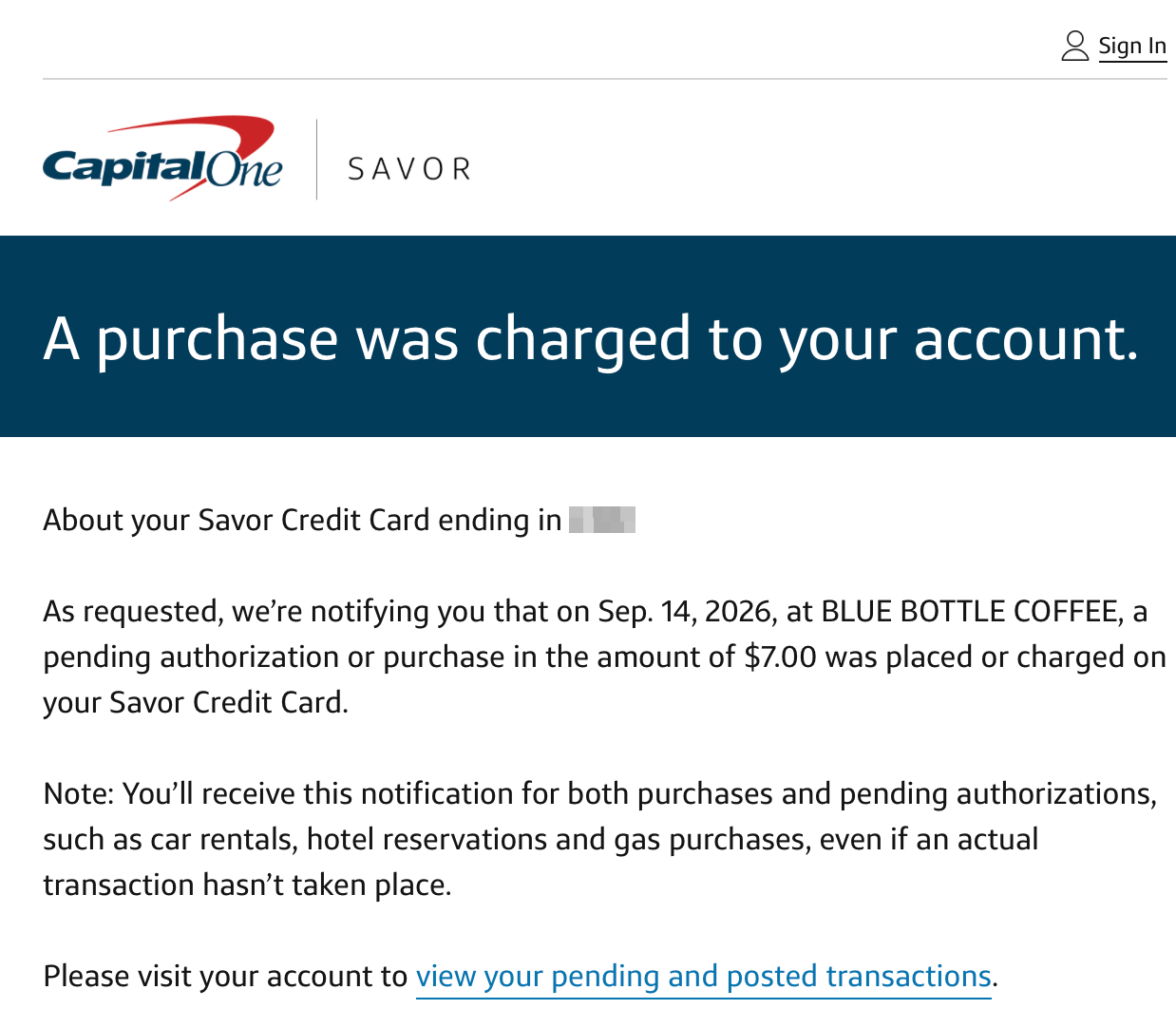
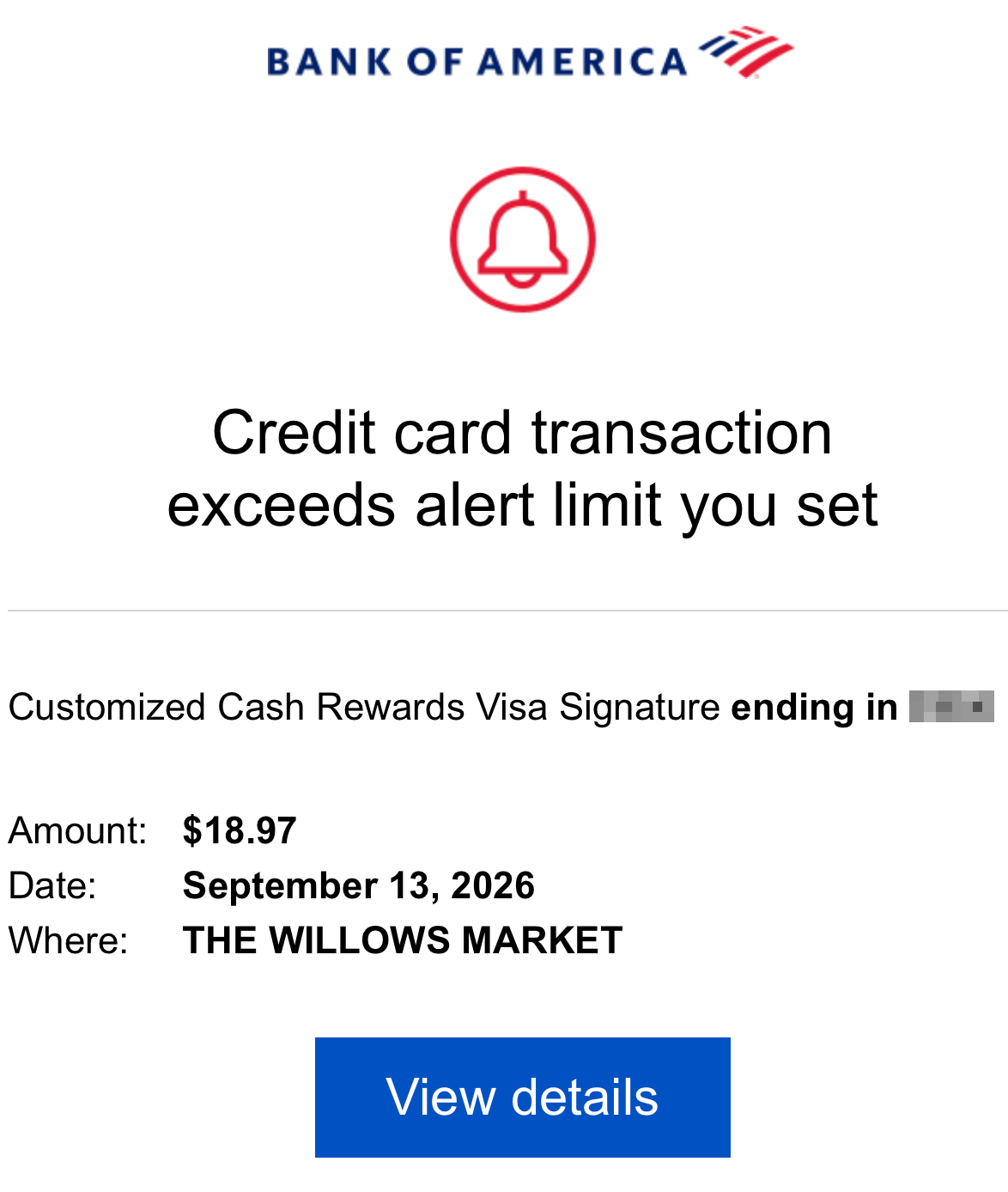
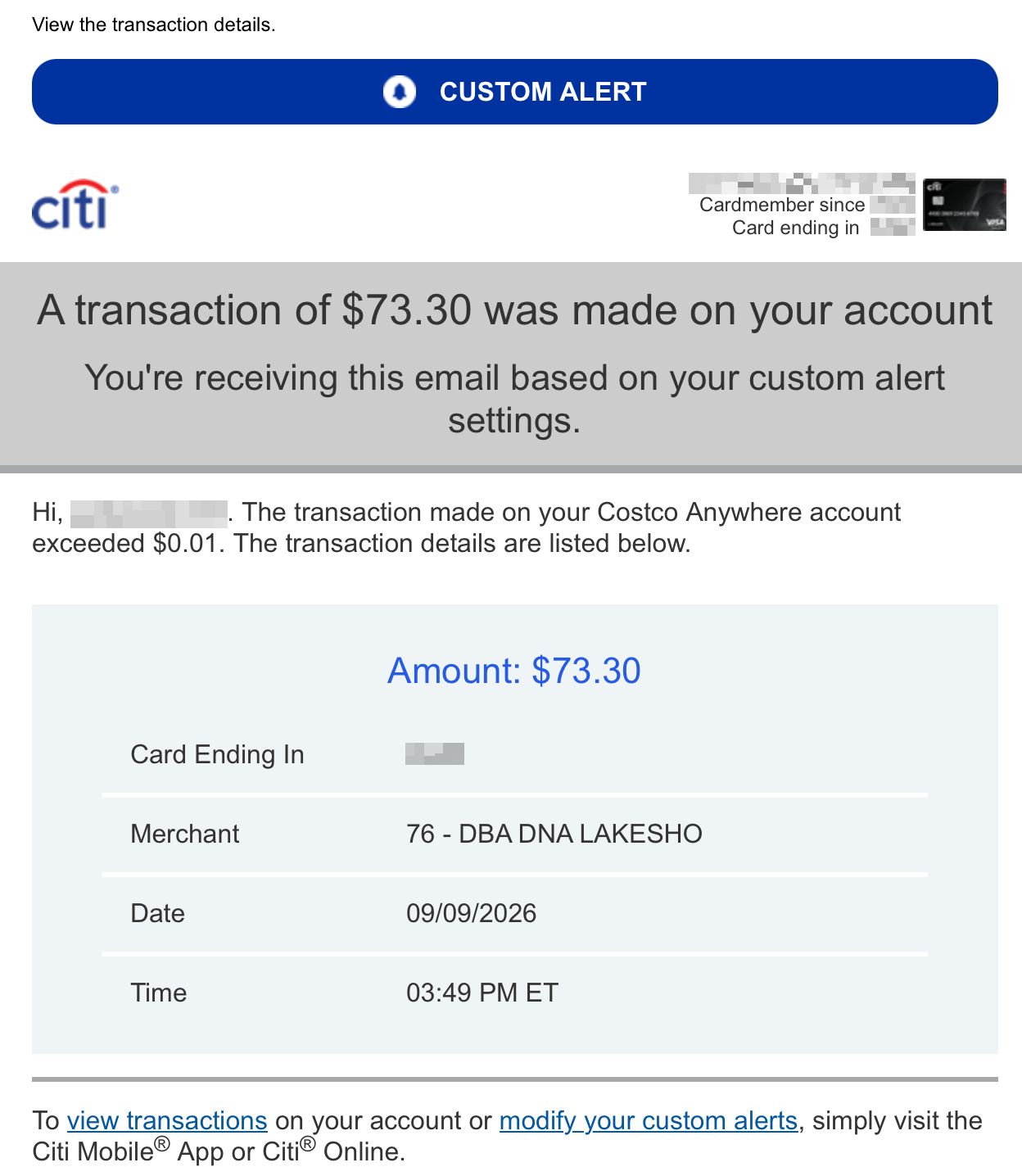
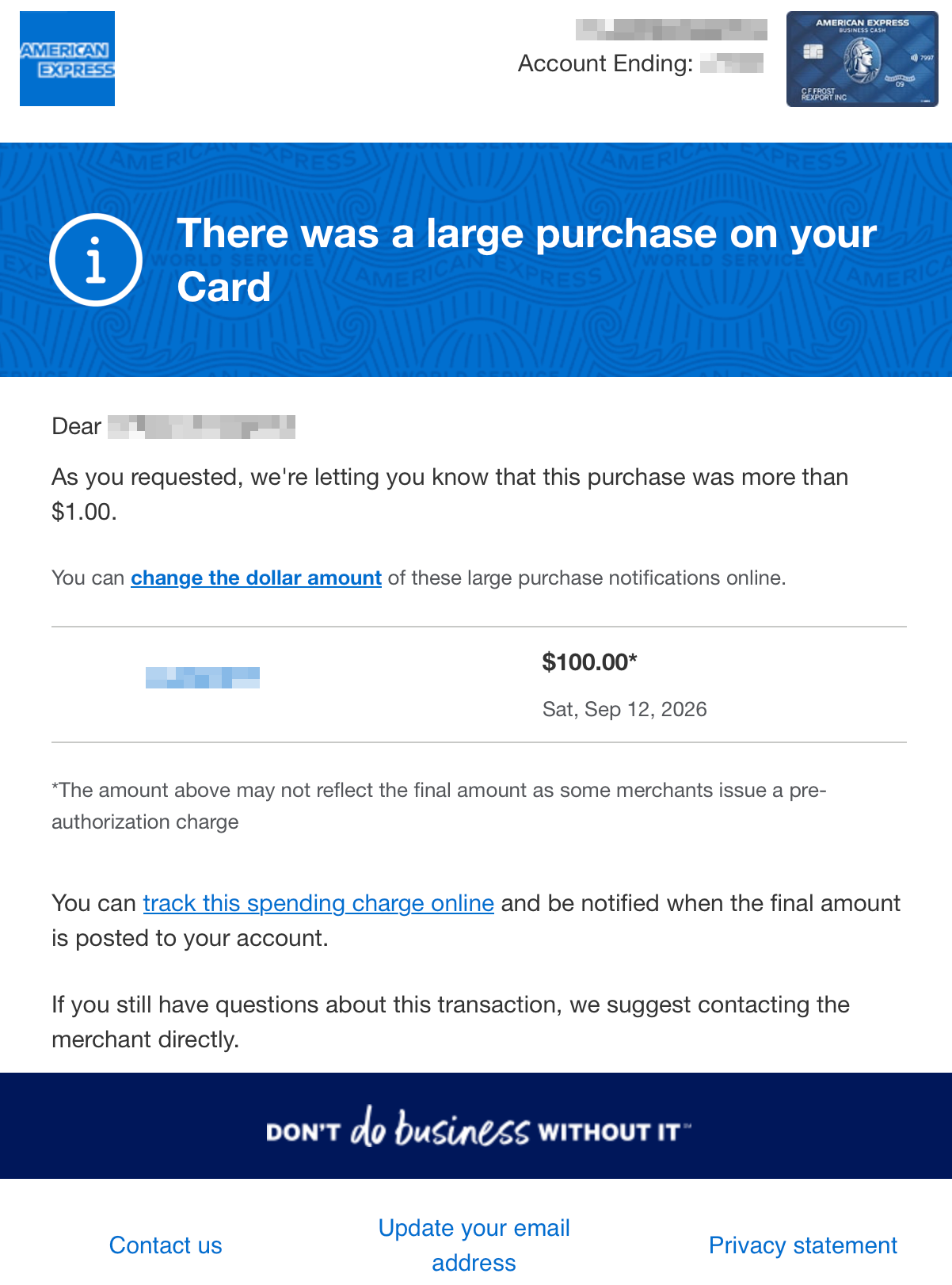
A quick one-time setup for each card.
Choose email delivery for use with Meli. Repeat the setup for each card you want to track.
Choose email delivery for use with Meli. Repeat the setup for each card you want to track.
PayPal and Venmo send payment emails automatically, so you usually don’t need to set up transaction alerts.

Meli automatically turns supported transaction emails into spending records on your Mac. See where your money goes without entering every purchase.
No. These are routine updates about your card activity.
No. Your bank sends the alerts, and you can read them without any other app. Meli is a way to turn supported alert emails into organized spending records.
That depends on your bank, card, and alert settings. Many banks let you choose a minimum purchase amount. A low threshold includes more everyday purchases; refund alerts may need to be enabled separately. Follow your bank’s setup steps for the right settings.
Some arrive soon after a transaction, while others take longer. Timing varies by bank and alert type. An alert may describe a pending authorization, so the final charge can change.
No. They’re convenient activity updates. Keep reviewing your bank account and statements for final charges, balances, and payments. Alerts may not cover every transaction.
No. Meli uses the email inbox you authorize, without a bank connection or Plaid. Inbox permissions can be broader than transaction alert emails; supported alerts are processed locally on your Mac. Learn about Meli’s privacy approach.
Meli’s automatic imports depend on supported emails in your connected inbox. It can’t recover purchases that never appeared in an email. You can add missing transactions manually.